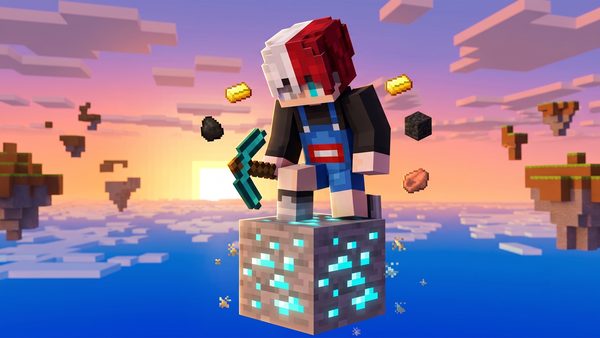
One Block Survival
Maps · 1.2M installs4.8★
Updated Data 1.26 · Add + 30 baby mobs · Edit Mount of Mayhem
Build anything. Code nothing. Play instantly.
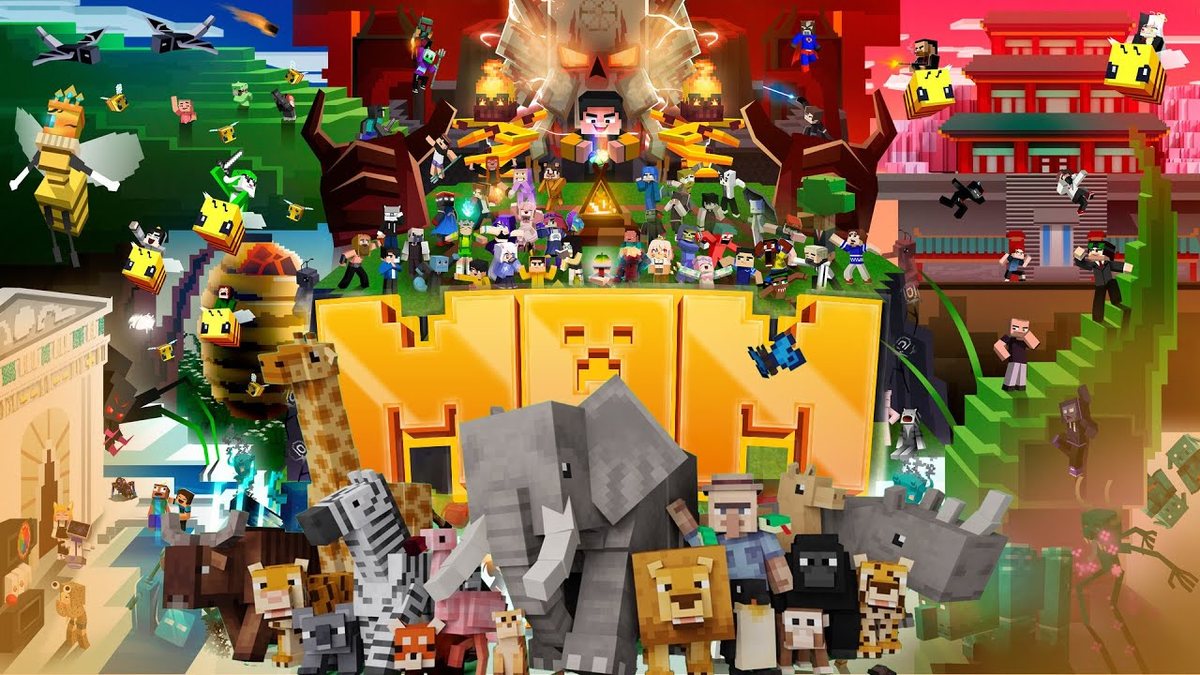
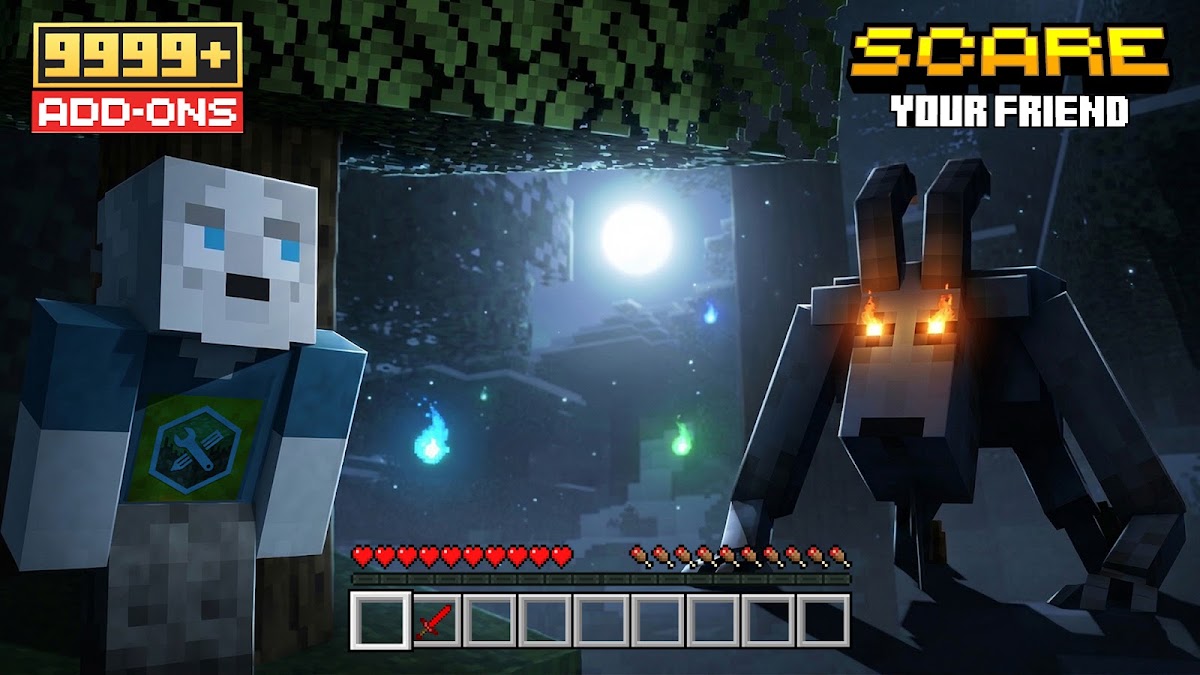
Craft custom mobs, epic weapons, 3D models and textures effortlessly. Or explore 1,000+ community addons and install them into Minecraft PE in just one tap.
Free on iOS and Android · Contains ads & in-app purchases · Rated 7+ on Play, 9+ on the App Store
Exports as .mcaddon — opens straight in Minecraft.
Exports straight into
Trending now
Maps · 1.2M installs4.8★
Blocks · 880k installs4.7★
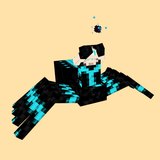
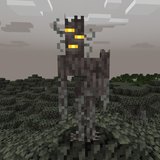
Mobs · 640k installs4.6★

Vehicles · 510k installs4.5★
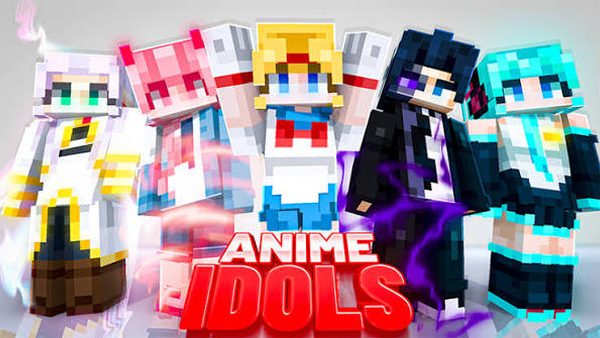
Skins · 430k installs4.6★
Furniture · 390k installs4.7★

Maps · 350k installs4.6★
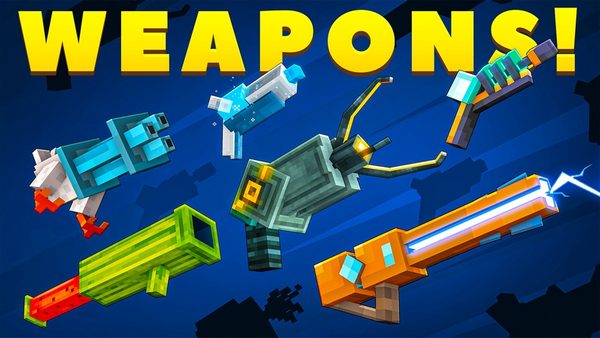
Weapons · 320k installs4.5★
Blocks · 280k installs4.4★
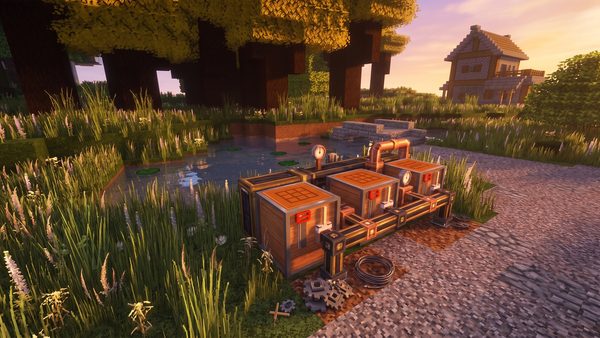
Textures · 260k installs4.7★
No addons in that category yet.
Creator tools
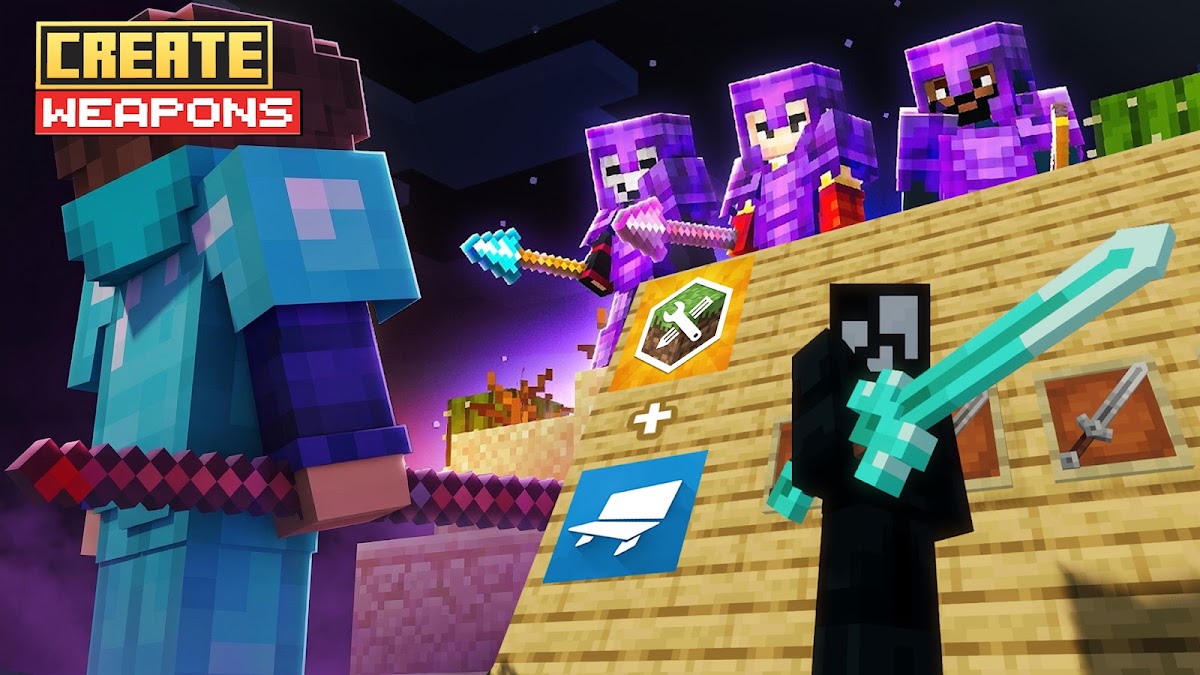
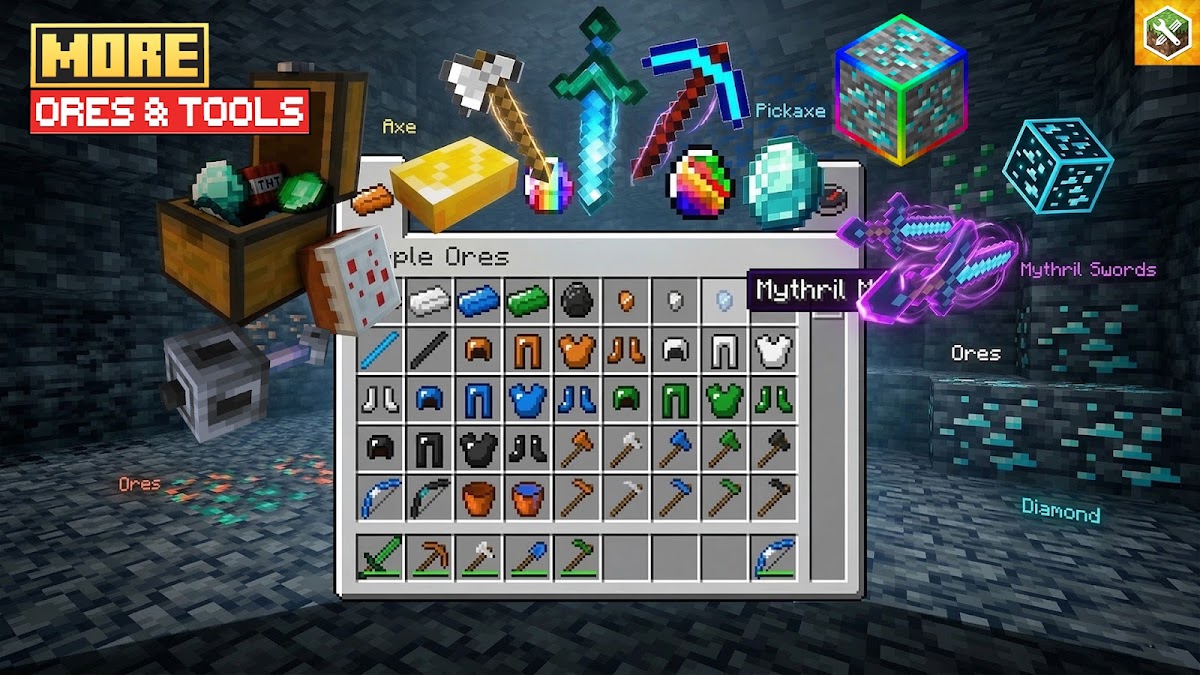
Design custom mobs, weapons, structures, blocks and audio with ease. MAM takes care of all the coding and file packaging behind the scenes.
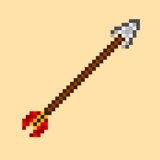
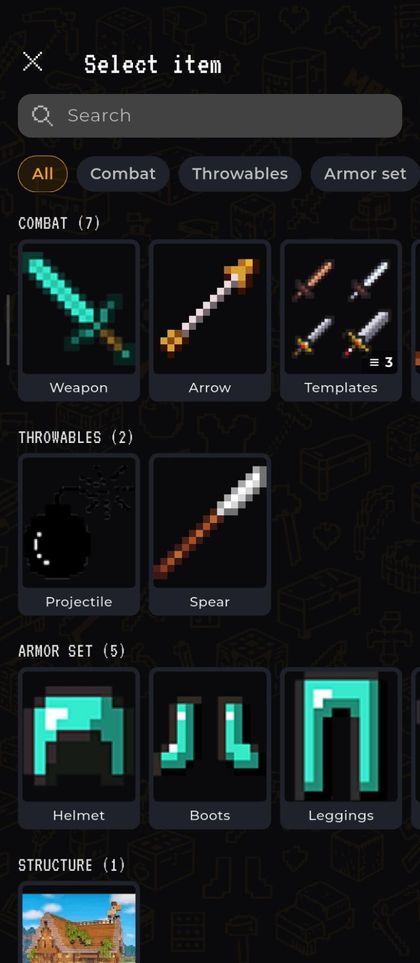
Weapon · Arrow · Templates · Spear · Bow · Crossbow · Mace
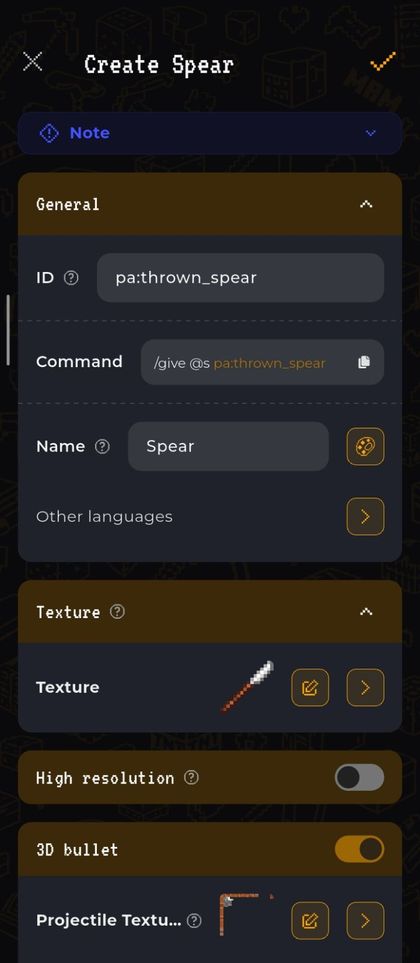
Projectile · Spear
Helmet · Boots · Leggings · Chestplate · Head
Build and save reusable structures
Repaint any block, item or entity texture
Biome · Fog · Waterfog · Shader
Plant · Tree · Crop · Sapling
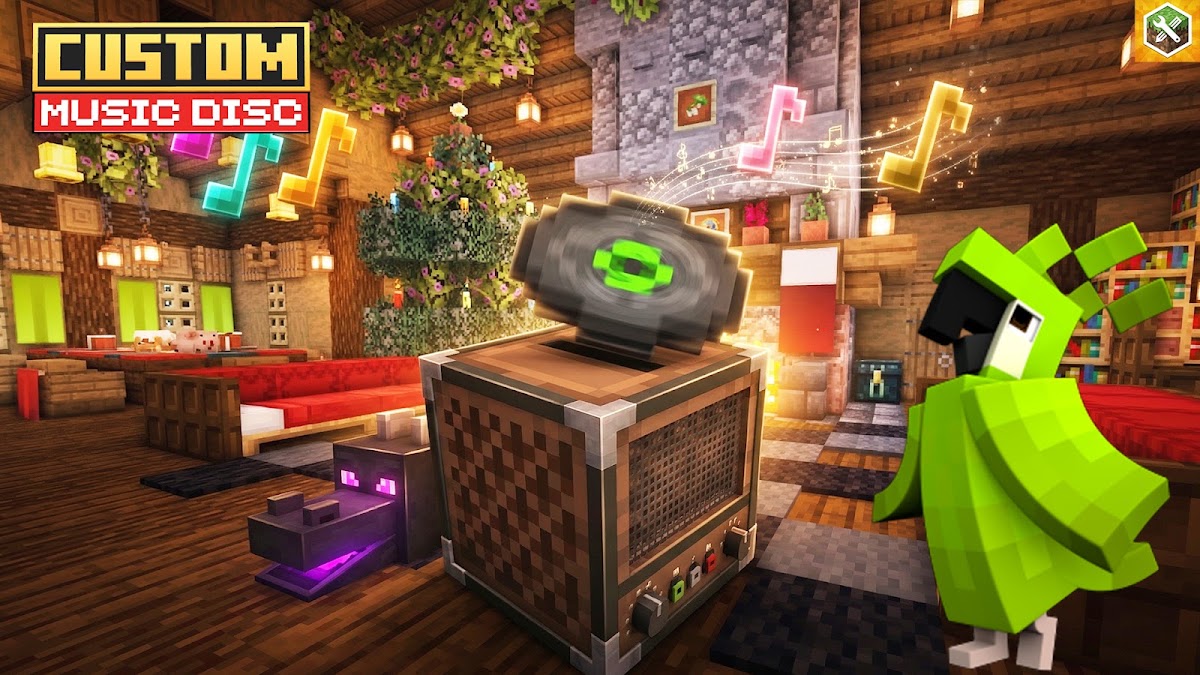
Bundle · Food · Normal · Special Kit · Shield · Music Disc
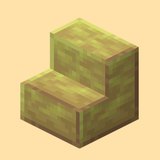
Slab · Stair · Layered · Wall · Door · Fence · Gate · Trapdoor
Block · Animated · Transparent · TNT · Model · Chest · Fluid
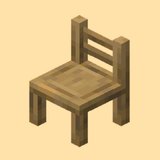
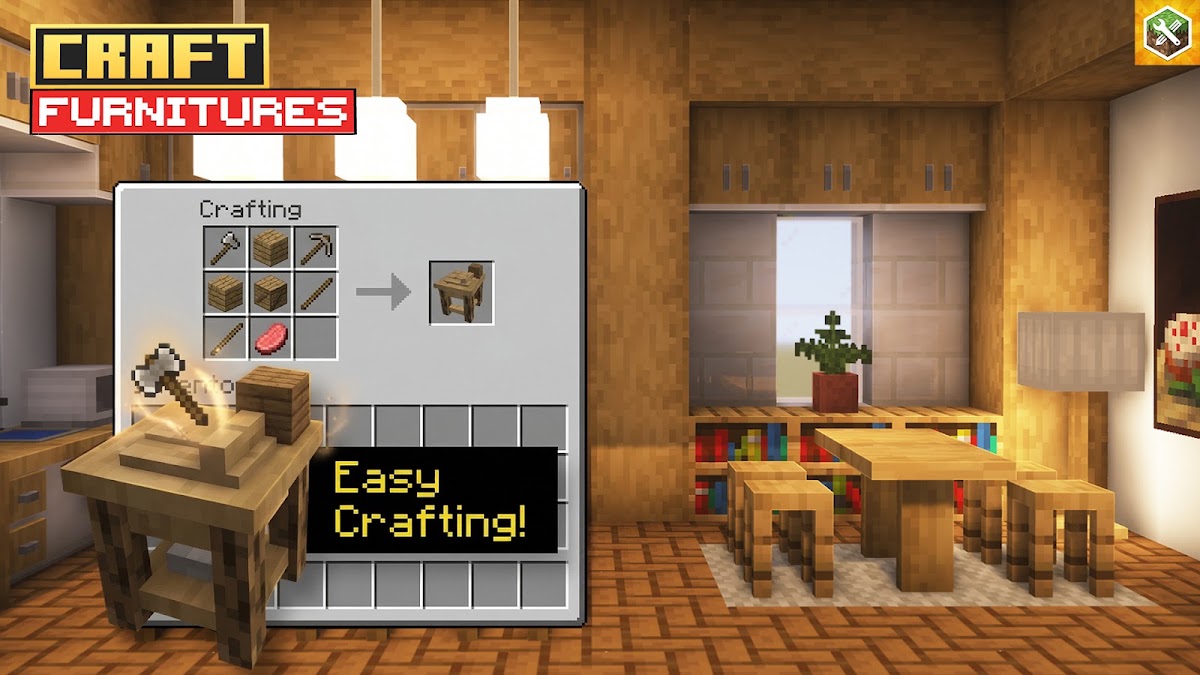
Sofas, lamps, kitchens and decorative pieces
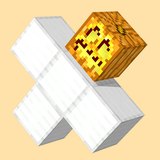
Projectile · Wither Skull · Wither Skull Dangerous
Group your content into a single pack section
Spawn saved structures from any trigger
Crafting, smelting and brewing recipes
Command functions that run on a tick or trigger
Attach your own sounds to any event
Custom particle effects and emitters
Cave · Underwater Cave · Hell Cave · Geode
Health, speed, reach and other player values
Script API hooks for advanced behaviour
Full mobs with models, AI, drops and stats
Retune health, damage and behaviour of vanilla mobs
Restyle the vanilla armor sets
Harness · Elytra · Shield
Preview MAM
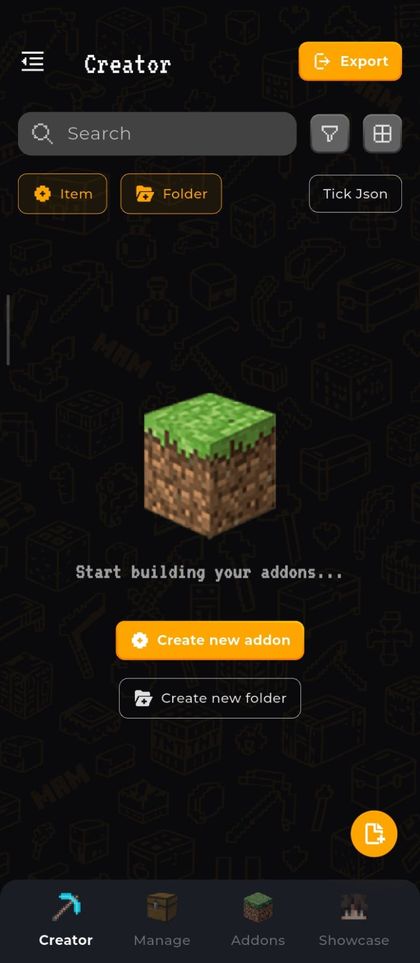
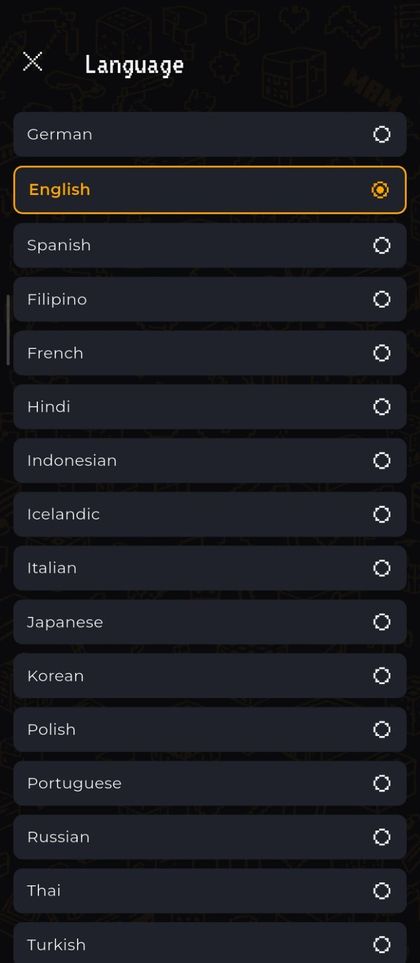
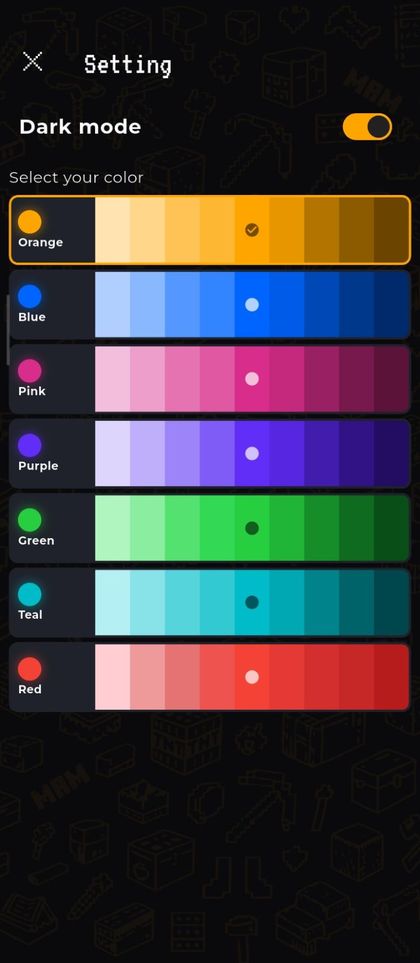
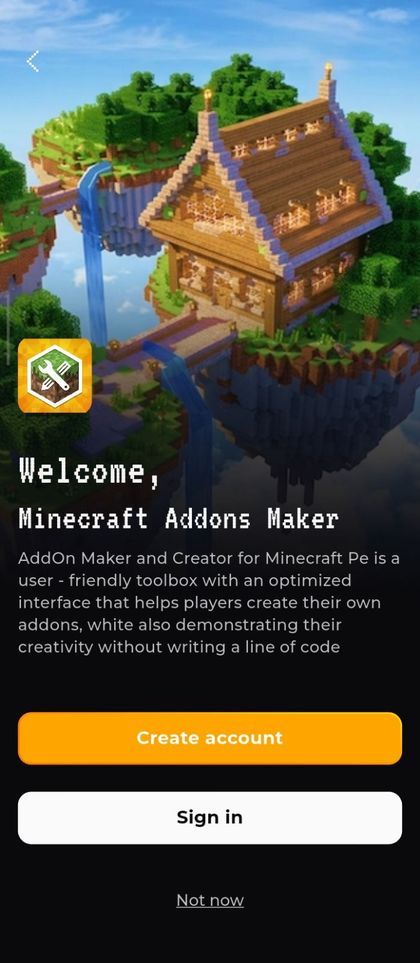
Take a tour through real app screens. Build, edit and export your addons effortlessly.
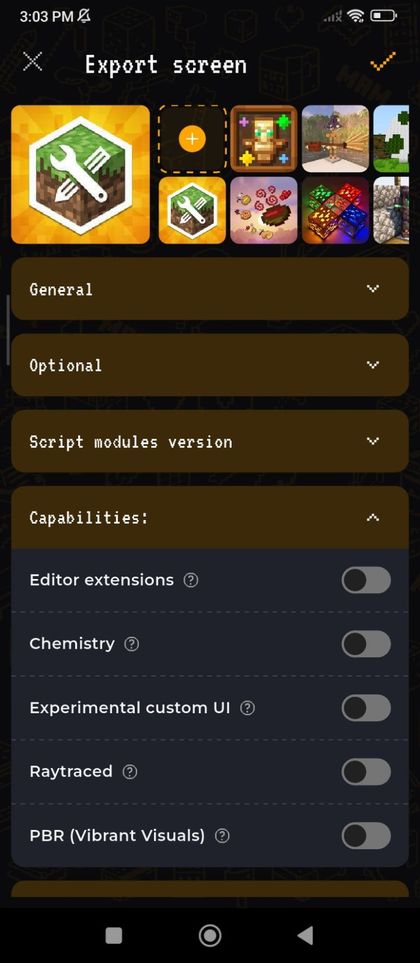
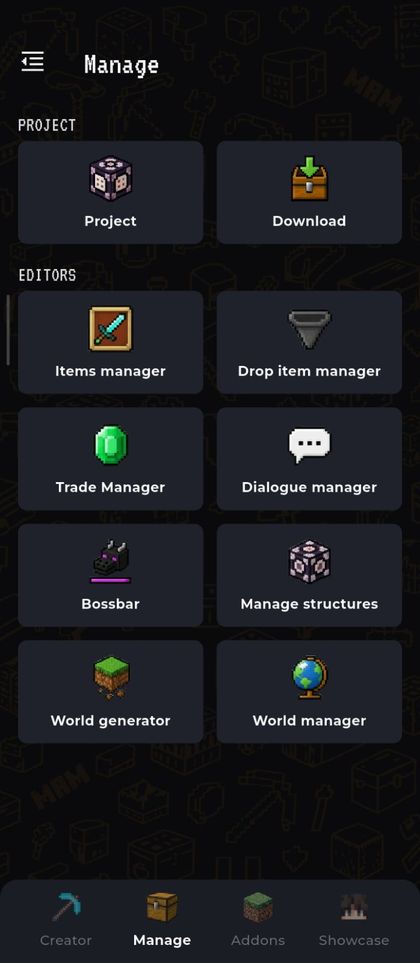
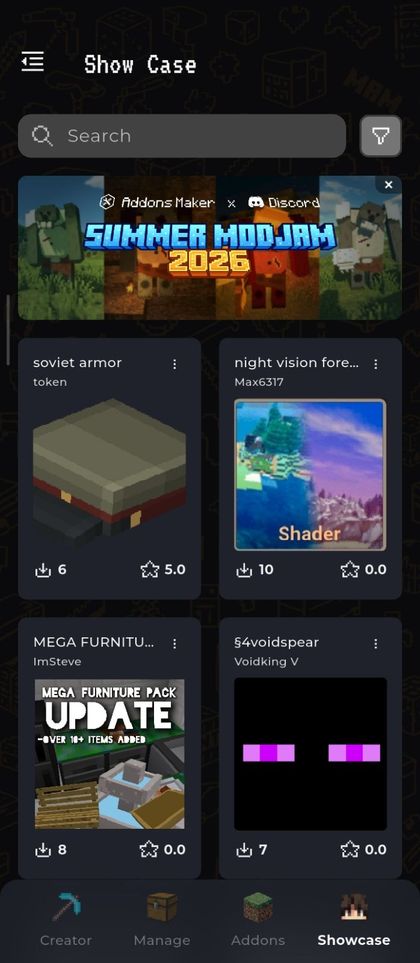
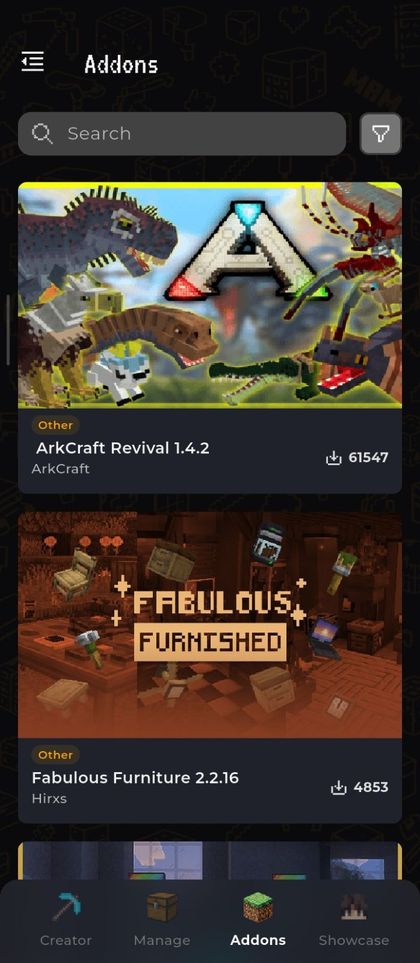
From the stores
★★★★★
I made a boss dragon with custom attacks in twenty minutes. My friends thought I'd downloaded it from somewhere.
 KaiBuildsGoogle Play
★★★★★
The 3D editor is the real deal — bones, UV painting, animation. Export dropped straight into my world.
 MinaCraftsItApp Store
★★★★☆
Started with the furniture templates, now I publish my own texture packs. Never written a line of code.
 TinyRedstoneGoogle Play
★★★★★
The app is very complete for being free, and it's very easy to share, like exporting add-ons and packs. I recommend the app; it's very easy to use. Thank you for creating this app.
 Leobardo BarrabiGoogle Play
★★★★★
I'm glad the developers actually read and respond, keep up the good work.
 Tanya AllanGoogle Play
★★★★★
Great for those who like to make creature and item mods, or horror mods; really fun to use and allows for creativity.
 Davi MoraesApp Store
★★★★☆
For me, it's the best app for creating add-ons or mods. Even though there are a few ads, it's totally worth it, but you need a little time to understand everything.
 TiagoGoogle Play
Community & support
Questions
Yes. Core features including the editors, template library and export functions are completely free. You can upgrade to Premium anytime to remove ads and unlock advanced editing tools.
Not at all. Addons Maker is designed for everyone. You just need to drag and drop, customize parameters to your liking and adjust sliders — the app automatically generates all the required source code and resource files for you.
It only takes one tap. After creating or choosing an addon, tap Export or Install and select Minecraft. The app will automatically open Minecraft PE and import your new content directly into your game.
It directly supports Minecraft PE, Craftsman, Mike Craft, Crafting and Building and Eerskraft on iOS and Android. You can export your creations as .mcaddon files to use across any compatible Bedrock platform.
Yes. You can import custom .json or .bbmodel files created by yourself to bring exclusive 3D custom mobs, weapons and items into the game.
Yes. The iOS version requires iOS 15.0 or later and is rated 9+ on the App Store. The Android version is on Google Play and is rated 7+.
No. Addons Maker for Minecraft is an unofficial third-party tool and is not approved by or associated with Mojang or Microsoft. Minecraft is a trademark of Mojang AB.
Free on iOS and Android.